
Introduction
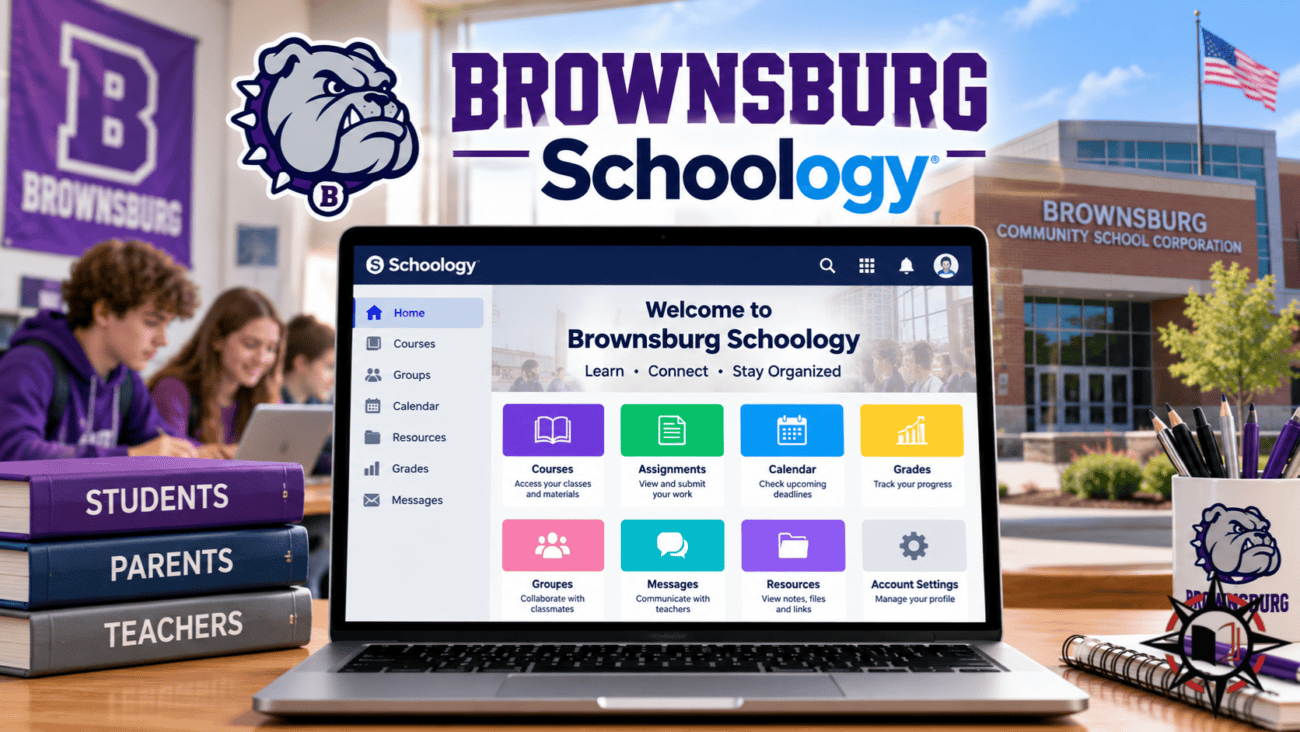
Online learning platforms have become an important part of modern education, helping students manage assignments, access study materials, and communicate with teachers. Brownsburg Schoology is a digital learning platform used by Brownsburg Community School Corporation in Indiana, United States. It provides secondary school students with a convenient way to access classroom resources and complete educational activities. Parents can also use Schoology to follow their children’s academic progress and stay informed about schoolwork.
Schoology Brownsburg brings different learning activities into one online environment, reducing dependence on printed materials and separate classroom announcements. Students can review assignments, prepare for assessments, and organise their academic responsibilities. Teachers can share educational resources and provide feedback, while parents can access information permitted through their accounts. Understanding the Brownsburg Schoology login process and its features helps families use the platform more effectively throughout the academic year.
What Is Brownsburg Schoology and How Does It Work?
Brownsburg Schoology is a learning management system associated with Brownsburg Community School Corporation, commonly known as BCSC. The district uses Schoology Learning, an educational platform developed by PowerSchool, to support digital classroom activities. Its official student resources identify Schoology as a platform for secondary students, while elementary students use other learning resources, including ClassLink. The system allows authorised users to access relevant educational content through their school accounts.
The platform works by organising classroom materials into individual digital courses. Teachers can upload documents, create assignments, schedule assessments, and share announcements. Students can open their assigned courses to review lessons and understand upcoming responsibilities. Schoology also includes features for feedback, grades, and classroom communication, although availability depends on individual course settings. This organised approach helps students manage different subjects while allowing teachers to provide educational materials beyond regular classroom hours.
Brownsburg Schoology Login for Students
The official Brownsburg Schoology login website for secondary students is brownsburg.schoology.com. Students can access this address directly or follow the Schoology link available through the district’s official Student Resources page. The system uses school-managed authentication, which may direct students to a Microsoft organisational sign-in screen. Students should enter the credentials assigned by their school rather than attempting to create an unrelated personal Schoology account.
After signing in successfully, students can access the courses associated with their school enrolment. Their dashboard may display subjects, recent announcements, upcoming assignments, and learning materials. The exact appearance depends on account permissions and teacher settings. Students who cannot access their accounts should confirm that they are using the correct website and login information. If difficulties continue, they should contact their school or technology support staff instead of sharing passwords with unofficial assistance services.
Brownsburg Schoology Parent Login and Account Access
Parents can use Brownsburg Schoology to follow their children’s educational activities through authorised parent accounts. The district provides specific instructions for new and returning users. New parents should visit the Schoology password recovery page at app.schoology.com/login/forgot and enter the email address registered in their PowerSchool account. Schoology then sends instructions for activating access. This process allows parents to establish their accounts without using their children’s login credentials.
Returning parents can sign in through app.schoology.com/login using their existing account information. Brownsburg Community School Corporation explains that Schoology and PowerSchool passwords are separate, even when the same email address is associated with both platforms. Once logged in, parents may review available course information, assignments, and academic updates. Access to individual features depends on district permissions. Parent accounts provide a practical way to remain involved in education while encouraging students to manage their own responsibilities.
Managing Assignments, Homework, and Assessments
Assignment management is one of the most useful features of Schoology Brownsburg. Teachers can publish homework instructions, deadlines, supporting documents, and classroom activities within their courses. Students can review these details after school, helping them understand what work needs to be completed. The platform can also display upcoming assignments and course events through its calendar features. This organisation is particularly helpful for students managing several subjects and different deadlines.
Schoology supports online assessments and electronic assignment submissions when teachers enable those options. Students may be asked to upload documents, complete quizzes, or respond to questions directly through the platform. Some assignments are completed outside Schoology, so following the teacher’s instructions remains essential. After submitting work electronically, students should confirm that the submission has been recorded successfully. Teachers can also provide grades and feedback, helping students understand their mistakes and improve future assignments.
Checking Grades and Academic Progress
Brownsburg Schoology includes grading features that help students understand their academic performance. Teachers may record assignment scores, provide written comments, or use grading rubrics to explain evaluation criteria. Students can review available results and identify subjects requiring additional attention. These tools encourage learners to take greater responsibility for their progress rather than waiting until the end of a grading period to discover areas needing improvement.
Parents may also be able to review grades and assignment information through their Schoology accounts, depending on the district’s settings. However, Brownsburg uses PowerSchool as a separate student information system for official academic records and report cards. Grades displayed within Schoology may not always represent final report card results. Families should consult PowerSchool and school communications for official academic information. Understanding the difference between these platforms helps parents monitor progress without confusing classroom feedback with formal school records.
Brownsburg Schoology Mobile App and Remote Access
Students and parents can access Schoology through its official mobile application, available for supported Android and iOS devices. The application offers convenient access to educational information without requiring a desktop computer. Users may be able to review course updates, assignments, announcements, and messages from their smartphones. This can be particularly useful when students need to check homework instructions or parents want to review school activities while away from home.
Mobile users should follow the appropriate school login procedure when accessing Brownsburg Schoology. Students may need to use their institutional account, while parents generally sign in with their separate Schoology credentials. Some activities, especially complex assignments and external educational applications, may work better through a desktop browser. Internet connectivity and device compatibility can also affect access. Using the official application and verified school links helps protect account information while supporting learning outside the classroom.
Common Brownsburg Schoology Login Problems
Students and parents sometimes experience difficulties signing in to their Schoology accounts. Common problems include forgotten passwords, incorrect usernames, expired sessions, and browser-related errors. Students should first check whether they are using the correct Brownsburg Schoology login page. Because student accounts use school-managed authentication, entering personal account information on the wrong login screen may prevent access. Browser updates or clearing outdated session information may also help resolve certain technical issues.
Parents who forget their passwords can use the official Schoology recovery process and the email address registered in PowerSchool. If the recovery email does not arrive, checking the spam folder may help. Another possible issue occurs when students can log in but cannot see an expected course. This may result from enrolment changes or course settings. In such cases, the school can provide appropriate assistance. Users should avoid unfamiliar websites requesting their school passwords or personal information.
Benefits of Brownsburg Schoology for Students and Parents
Brownsburg Schoology helps students develop organisation, independence, and digital learning skills. By providing course materials and assignments in one environment, the platform makes it easier to review educational responsibilities. Students can prepare for upcoming assessments, revisit lessons, and monitor available feedback. Teachers benefit from tools that support assignment distribution, classroom organisation, and communication. These features can improve access to learning resources while supporting regular classroom instruction.
Parents also benefit from having a clearer view of their children’s educational activities. Authorised accounts allow families to examine available coursework information and discuss academic responsibilities with students. Brownsburg uses additional platforms, including PowerSchool for student records and ParentSquare for school communication and absence reporting. Each service supports a different purpose. Understanding how these systems work together can help families locate information quickly, remain informed about school activities, and provide appropriate support at home.
Conclusion
Brownsburg Schoology is an important digital learning resource for secondary students attending Brownsburg Community School Corporation. It provides access to course materials, assignments, assessments, and educational updates through a structured online platform. Teachers can organise classroom activities, while students can review their responsibilities and complete supported learning tasks. Parent accounts also allow families to follow available academic information and remain involved in their children’s education.
Using the correct Brownsburg Schoology login website is essential for convenient and secure access. Students should follow their school’s authentication instructions, while parents can use the separate Schoology login and account recovery services. Understanding the platform’s features, protecting account credentials, and regularly reviewing classroom information can improve the learning experience. With responsible use, Schoology helps strengthen communication, organisation, and academic engagement throughout the school year.
